Upload the statements
Hand Fetch the statement your bank already sends you. It reads the whole file and files every line as a transaction — named, dated and categorized, with no bank login.
Fetch keeps your financial picture up to date, explains what's changing, and helps you make better everyday money decisions.
Get it for freeScroll to start
You don't have to fill out forms after every purchase. Choose the way that works best for you.
Hand Fetch the statement your bank already sends you. It reads the whole file and files every line as a transaction — named, dated and categorized, with no bank login.

Forget forms. Just say what you spent. Fetch turns a few natural words into organized transactions with amounts, categories and all — in seconds.

Point the camera at a receipt and Fetch reads it: the total, the merchant, the date, the category. Crumpled, faded or in another language — it still gets filed.

A screenshot of a transfer, a photo from the camera roll, an invoice someone sent you. Pick the picture and Fetch pulls the expense out of it.
Don't search for answers through charts and lists. Ask a question and get an explanation based on your spending.
Try it now:
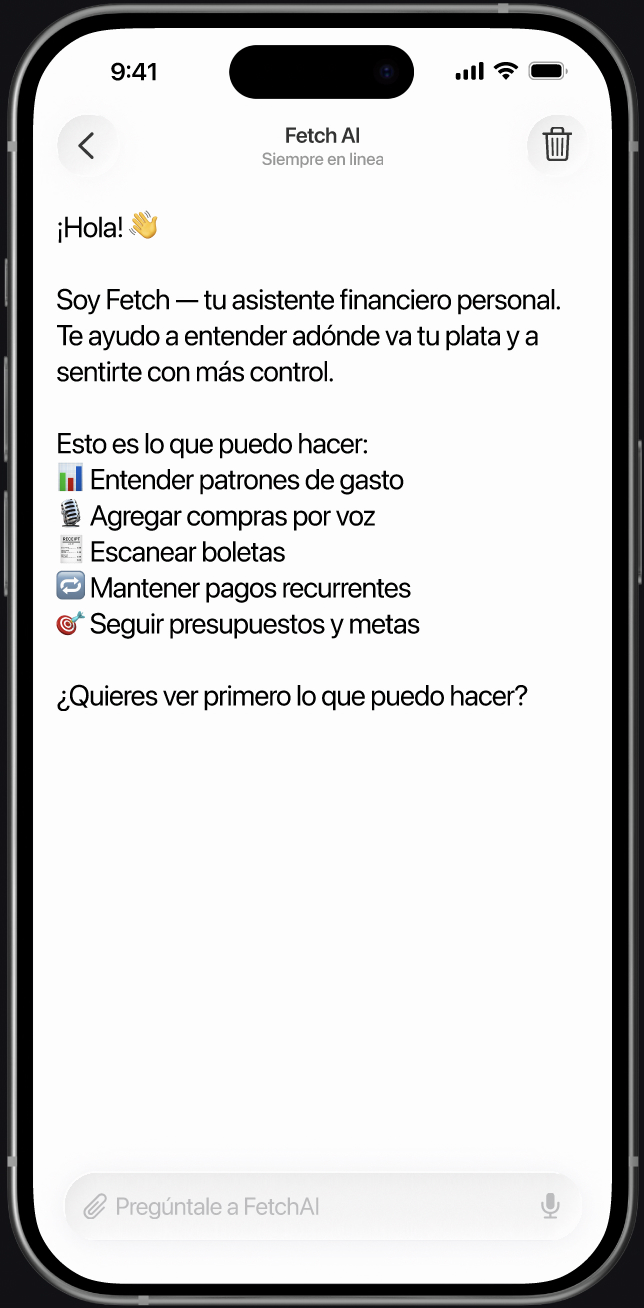
Try it now:
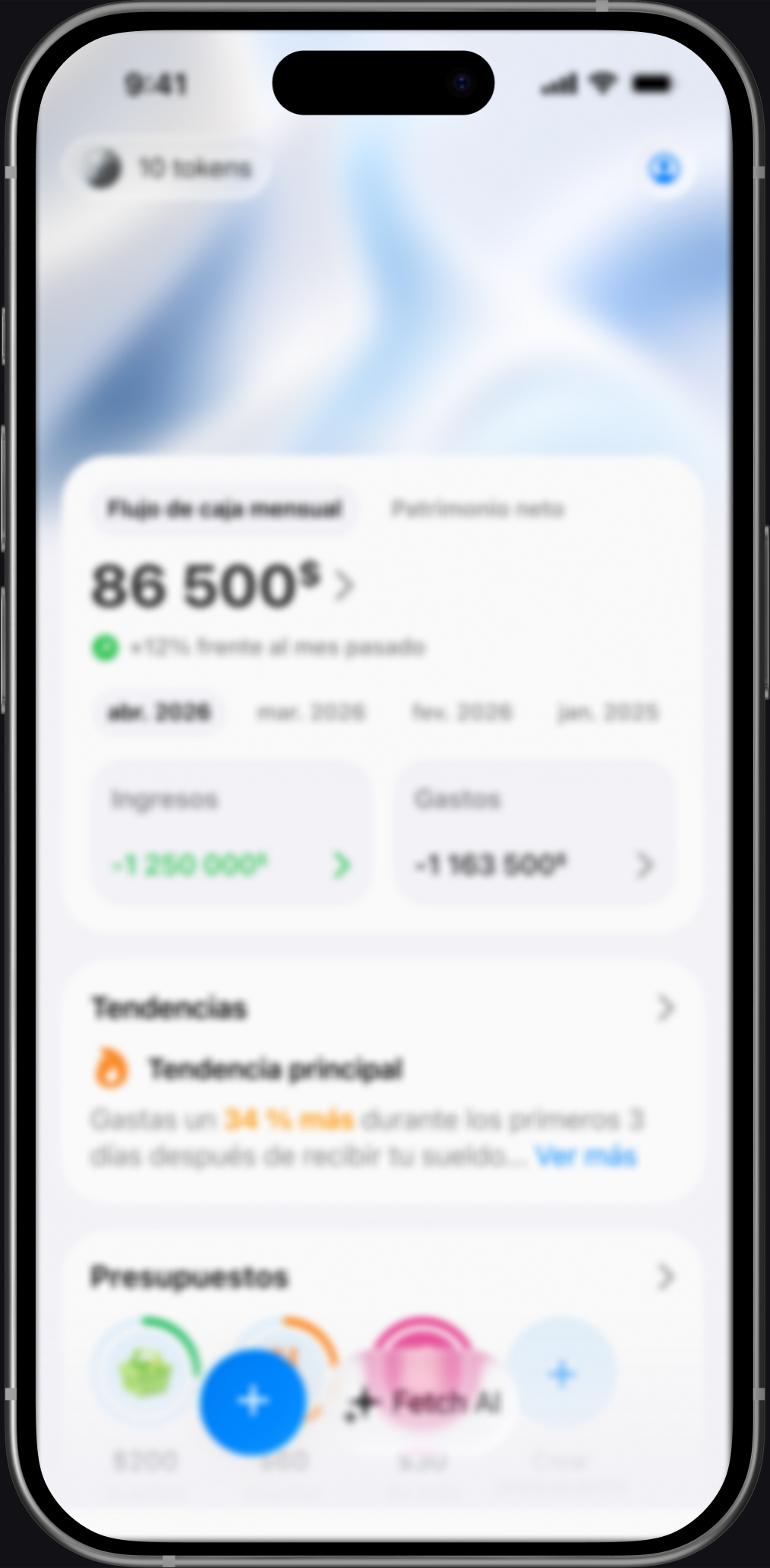
FetchAI heads-up
Your weekend spending is 28% above usual. Restaurants and transport account for most of the increase.
FetchAI heads-up
Your internet subscription went from $19.99 to $24.99 this month. Want to review your recurring payments?
FetchAI heads-up
Your food spending is up 22%: lunches and delivery explain the difference. Want to set a budget to keep it in check?
Proactive assistance
Fetch detects changes in your spending and alerts you while there is still time to do something.

Budget risks
Know when you’re getting close to a limit or spending faster than planned.

Unusual spending
Catch sudden spikes and changes in your usual spending before they affect the rest of the month.

Recurring payments
Stay ahead of upcoming charges and notice when a regular payment changes.
Create budgets, manage recurring payments, and save money for what truly matters to you.
Decide how much you want to spend before the month ends.
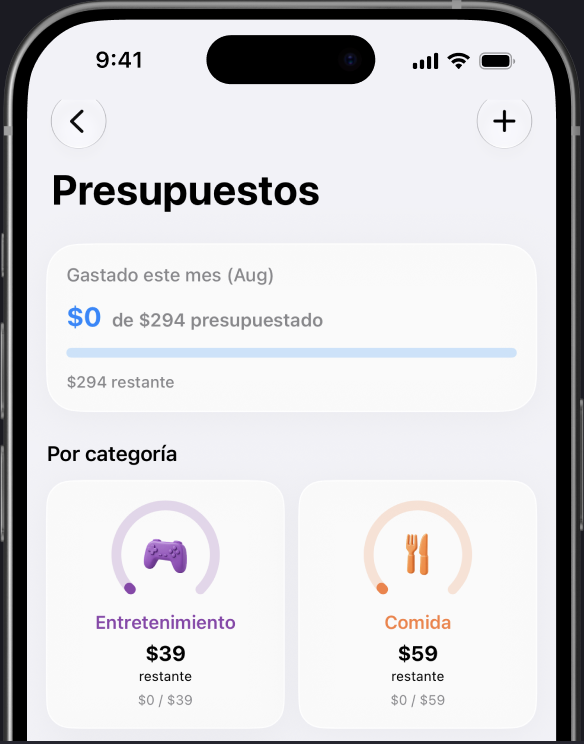



Save money with a clear goal.
In one place
Keep track of payments that arrive every month.
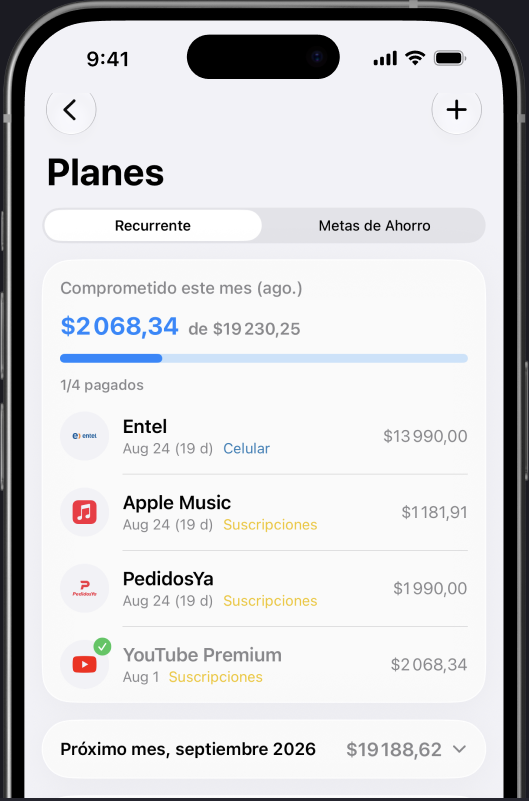

“I finally understood why nothing was left by the 20th. Fetch showed me the three subscriptions and the payday spike that were quietly eating the difference.”
“Adding expenses by voice takes seconds, so I actually keep doing it.”
“The weekly rhythm pattern was uncomfortably accurate. It helped.”
“It tells me when something changed instead of making me check charts.”
No mandatory bank connection
Your data is never sold
No advertising
You control what Fetch knows
Delete your data whenever you want
Fetch is a personal financial assistant. You add expenses by voice, photo, or text, and Fetch keeps your financial picture up to date, explains what’s changing, and answers questions about your money.
A budgeting app shows you charts and expects you to interpret them. Fetch watches your spending for you, explains what changed and why it matters, and suggests what to do next — like an assistant, not a spreadsheet.
No. Fetch works without any bank connection — you add spending by voice, photos, receipts, or text. You decide what Fetch knows.
Anything about your own money: why you’re spending more this month, which subscriptions you still pay for, what you can safely spend this week, whether you’re on track with your budget.
From the data you add over time. Fetch compares your spending across weeks and months to find your pace, weekly rhythm, payday effect, and category patterns — the more you log, the sharper it gets.
Yes. You set budgets by category, and Fetch tracks how fast you’re moving against them, warns you before you overshoot, and suggests adjustments like weekend limits.
You can log spending in multiple currencies, and Fetch brings everything together in your home currency so the picture stays comparable.
Only to produce your own insights and answers. Your data is never sold, there is no advertising, and you can delete it whenever you want.
Fetch is free to start. Some advanced patterns and insights unlock inside the app.
No. Fetch gives you information and insights based on your own data. It doesn’t provide licensed financial, investment, or tax advice.
Yes — Fetch is on both the App Store and Google Play.
Let Fetch handle the financial busywork, spot what matters,
and show you what to do next.
Get it for free now:
Free to start · Ready in minutes · No bank login required
 App Store Google Play